Help
Telemedecine, how it works ?
Telemedicine saves you the time of having to possibly travel long distances to see your doctor and then wait hours for your turn to come it provides you with the ability to stay in the warmth and comfort of your house and see your doctor with a click of a button and receive your prescriptions and exams directly to your browser it makes it easier for both doctor and patient.
4 Steps to have your first visit :
How to create an account ?
To register on Tabibi and create a new account:
- 1- Click on join now
- 2- Choose if you are doctor or patient
- 3- Fill in your information
- 4- Enter your email address and create a secure password then click sign up
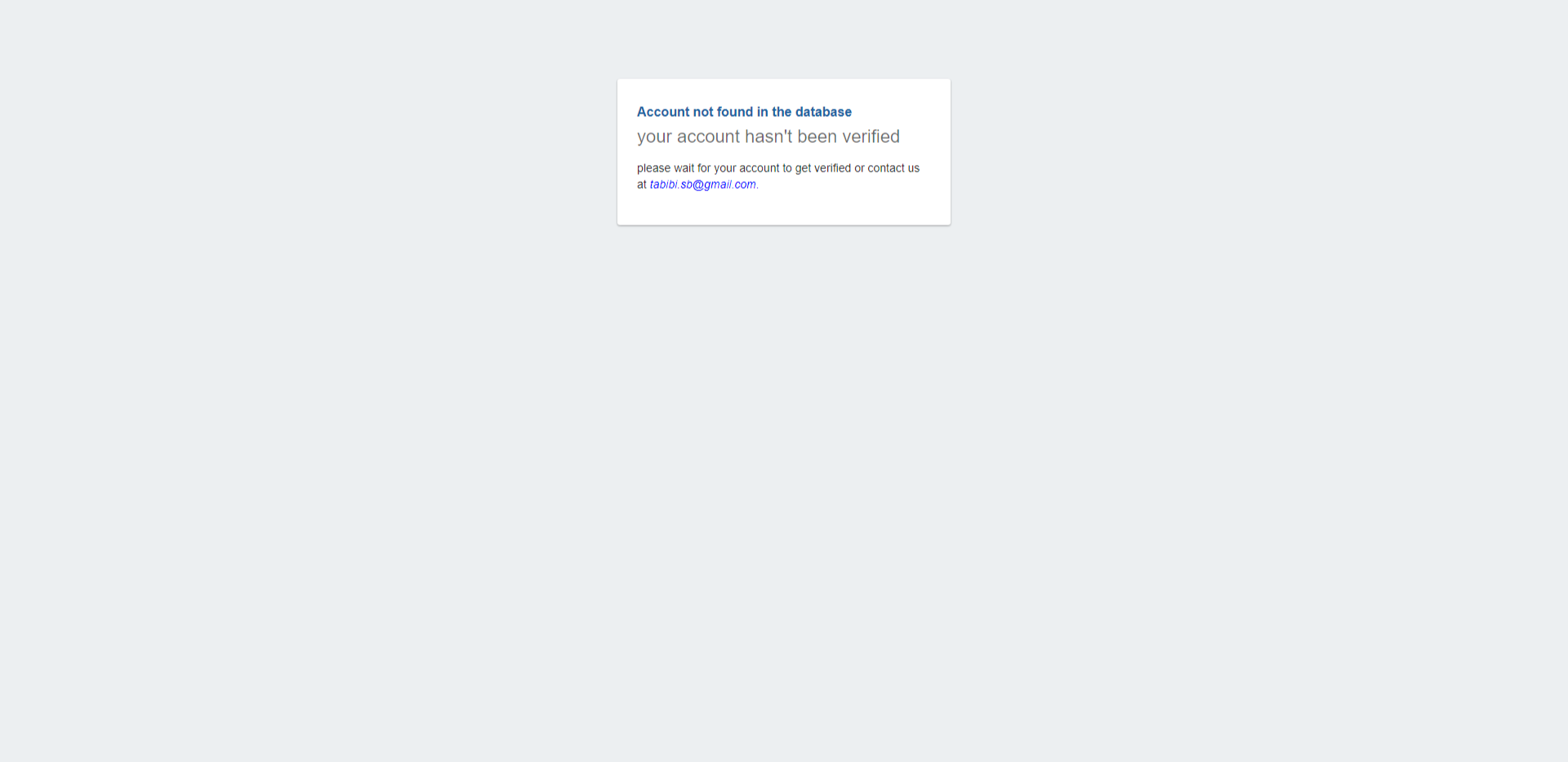
- 5- Wait for your validation if you're a doctor

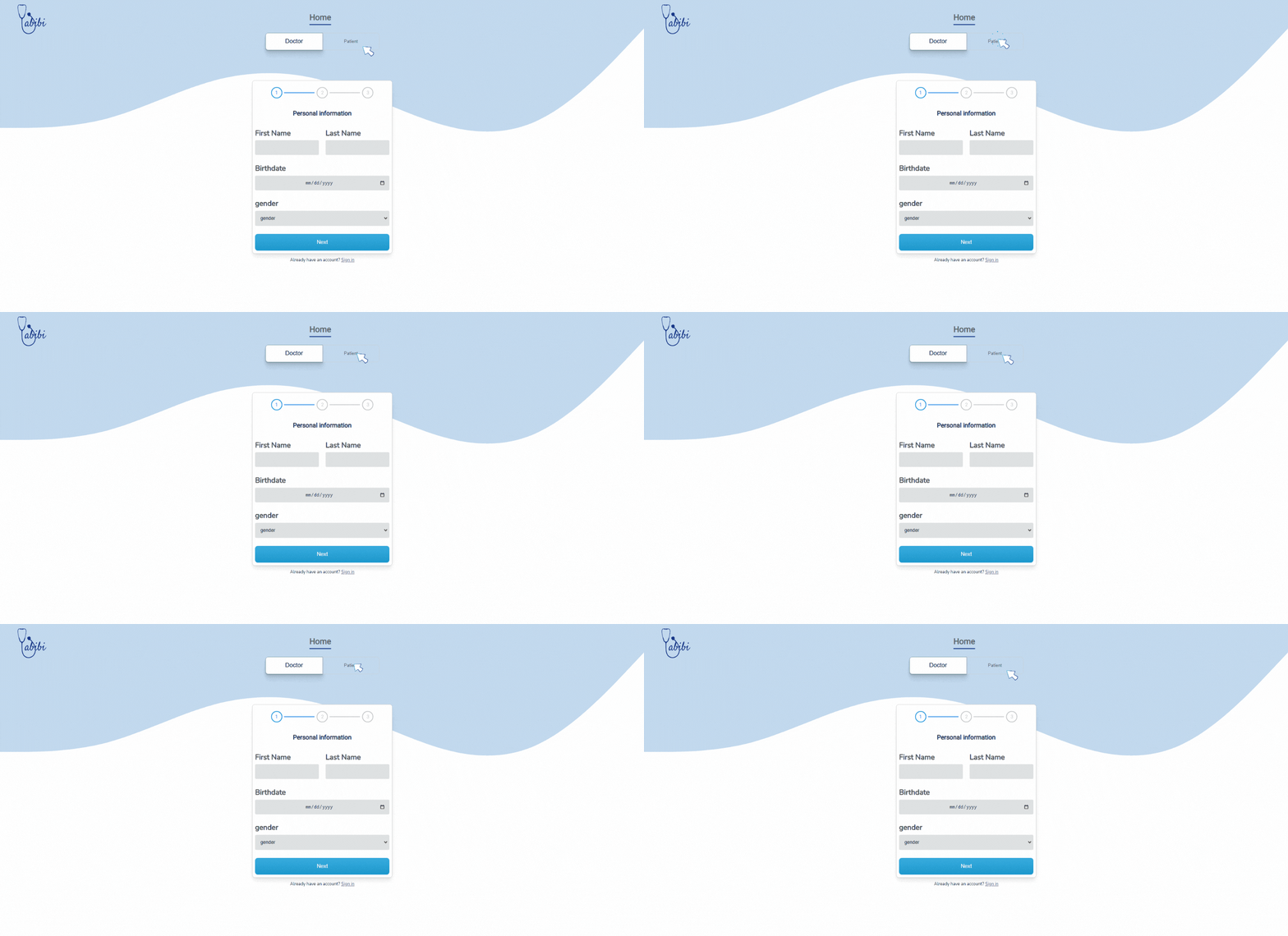
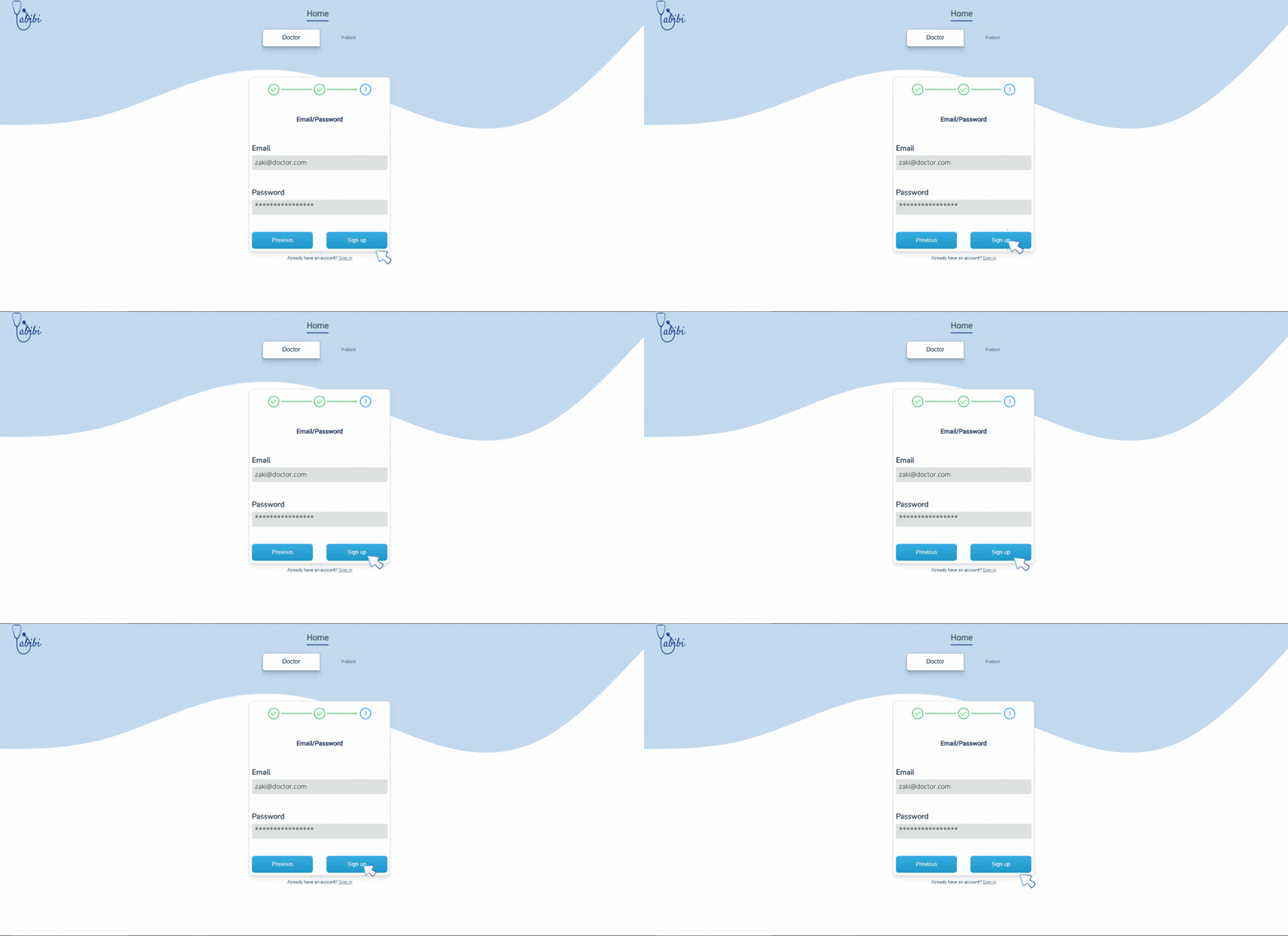
Congrats your account has been created!
How to manage your calendar ?
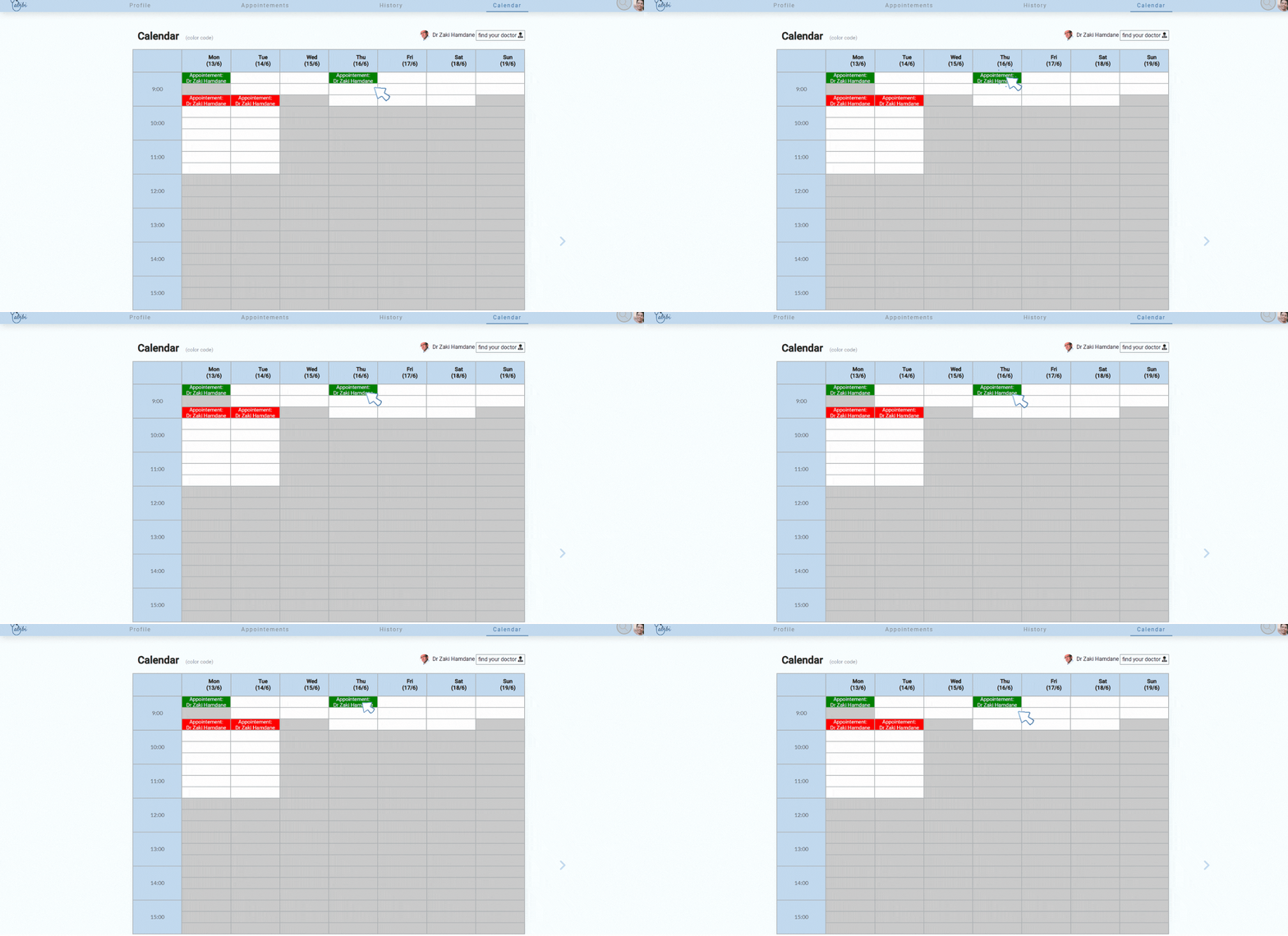
How the calendar works:
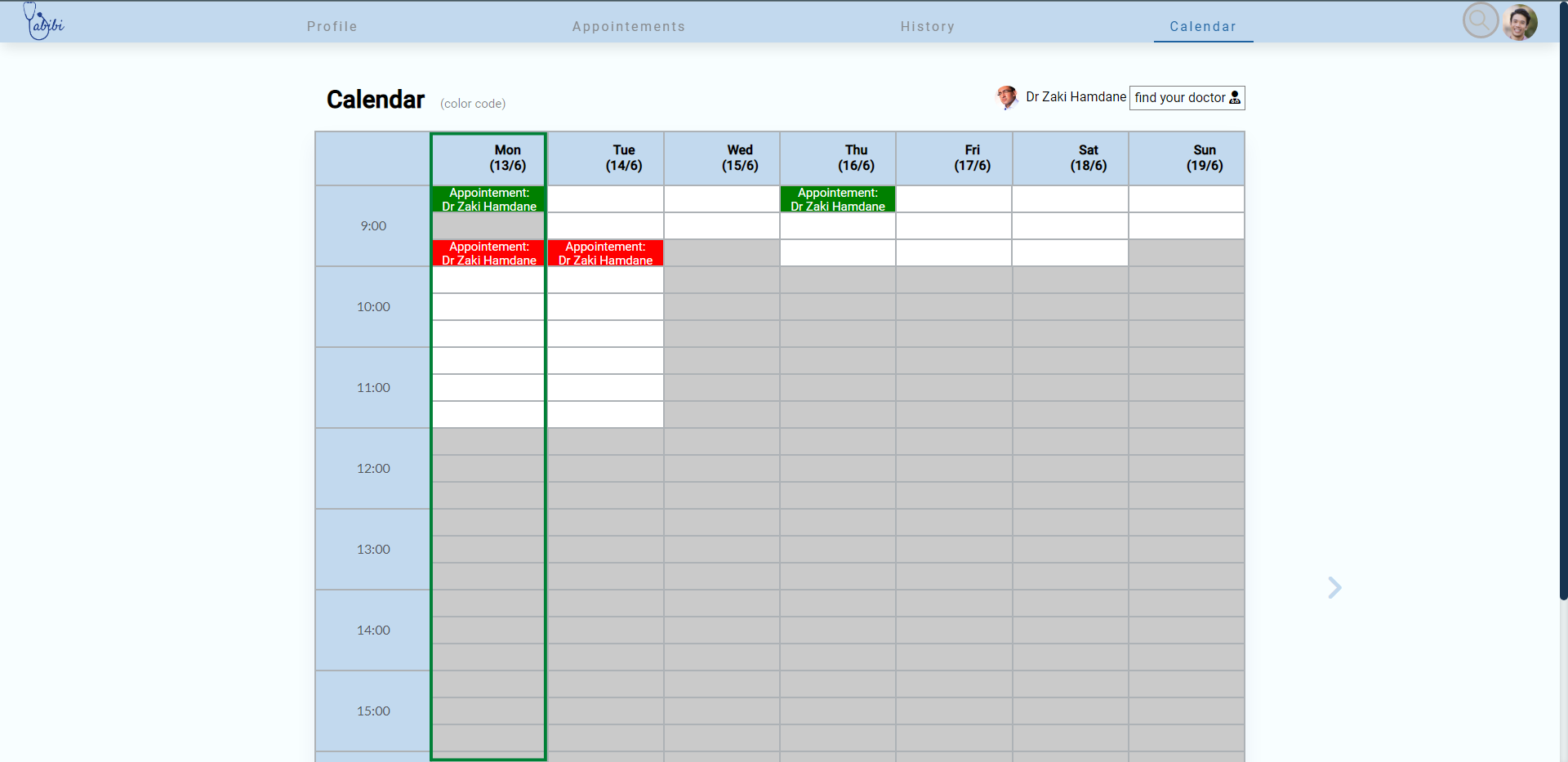
- - The calendar is a sort of table in which days are represented by its colums
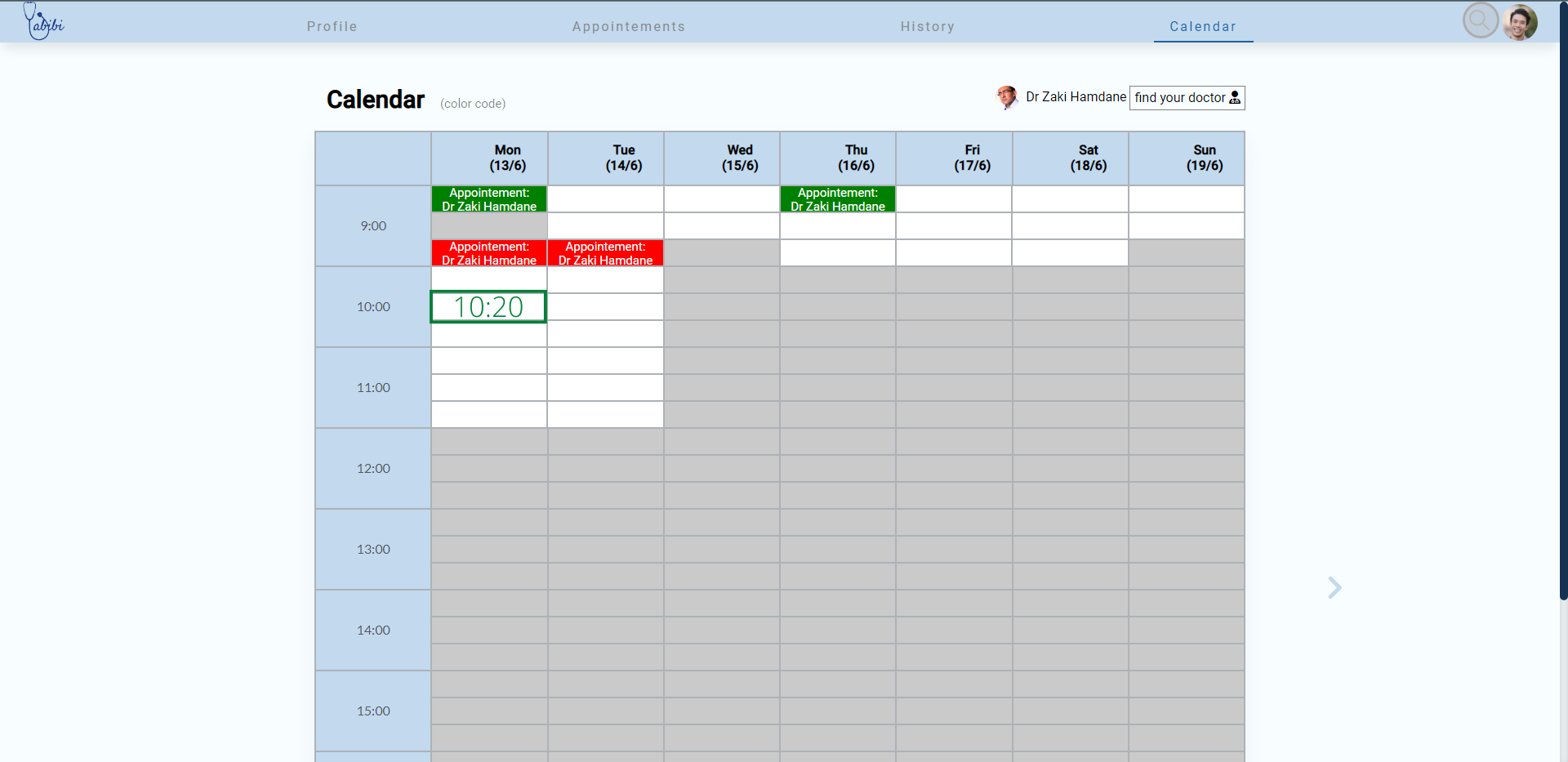
- - Each cell of that table represents a third of an hour which is the time required for each visit.
- -You can see how colors are coded by hovering over (color code)
If you're a doctor
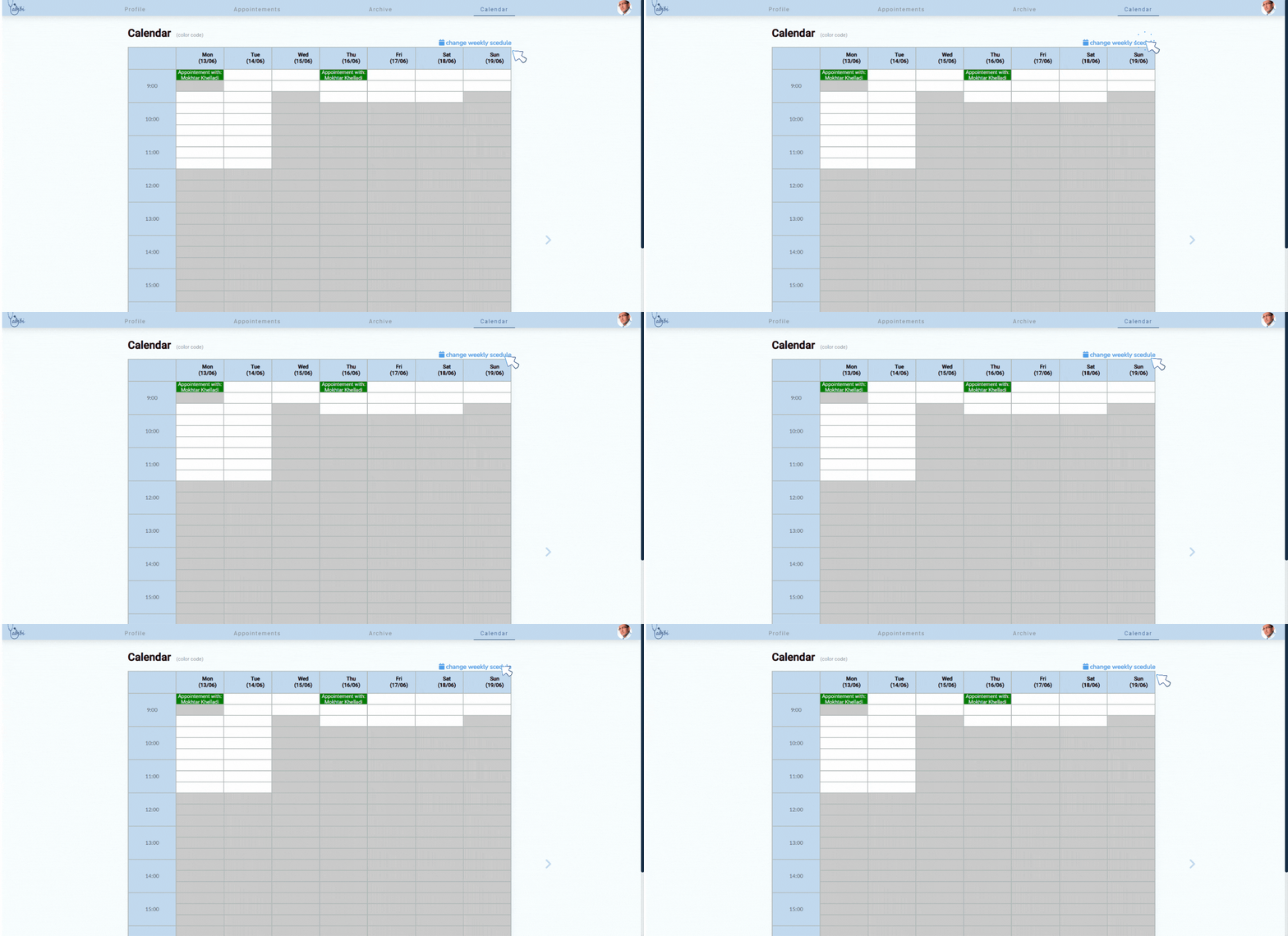
you need to set up your avalaibility schedule
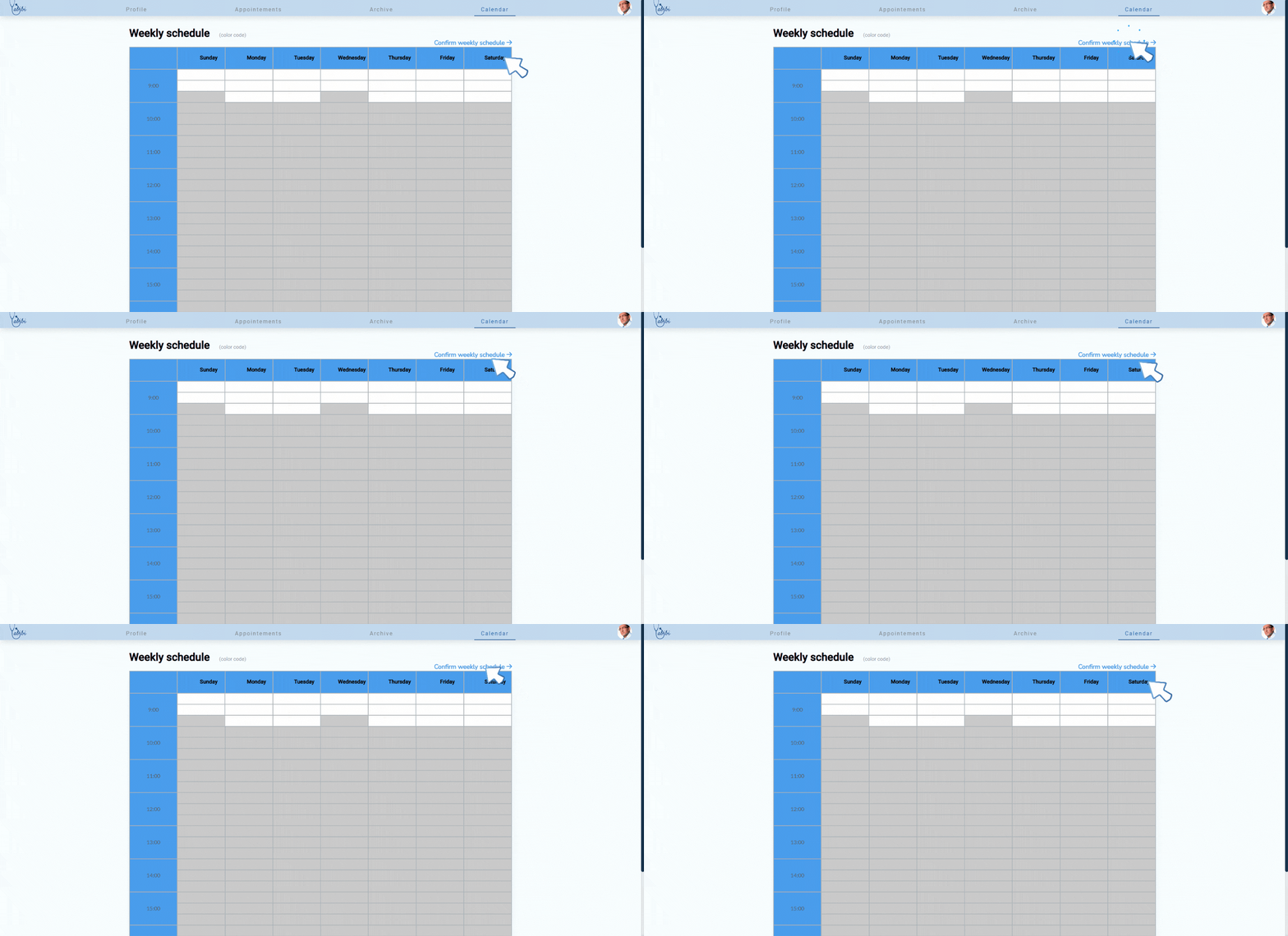
- 1- Click on change weekly schedule
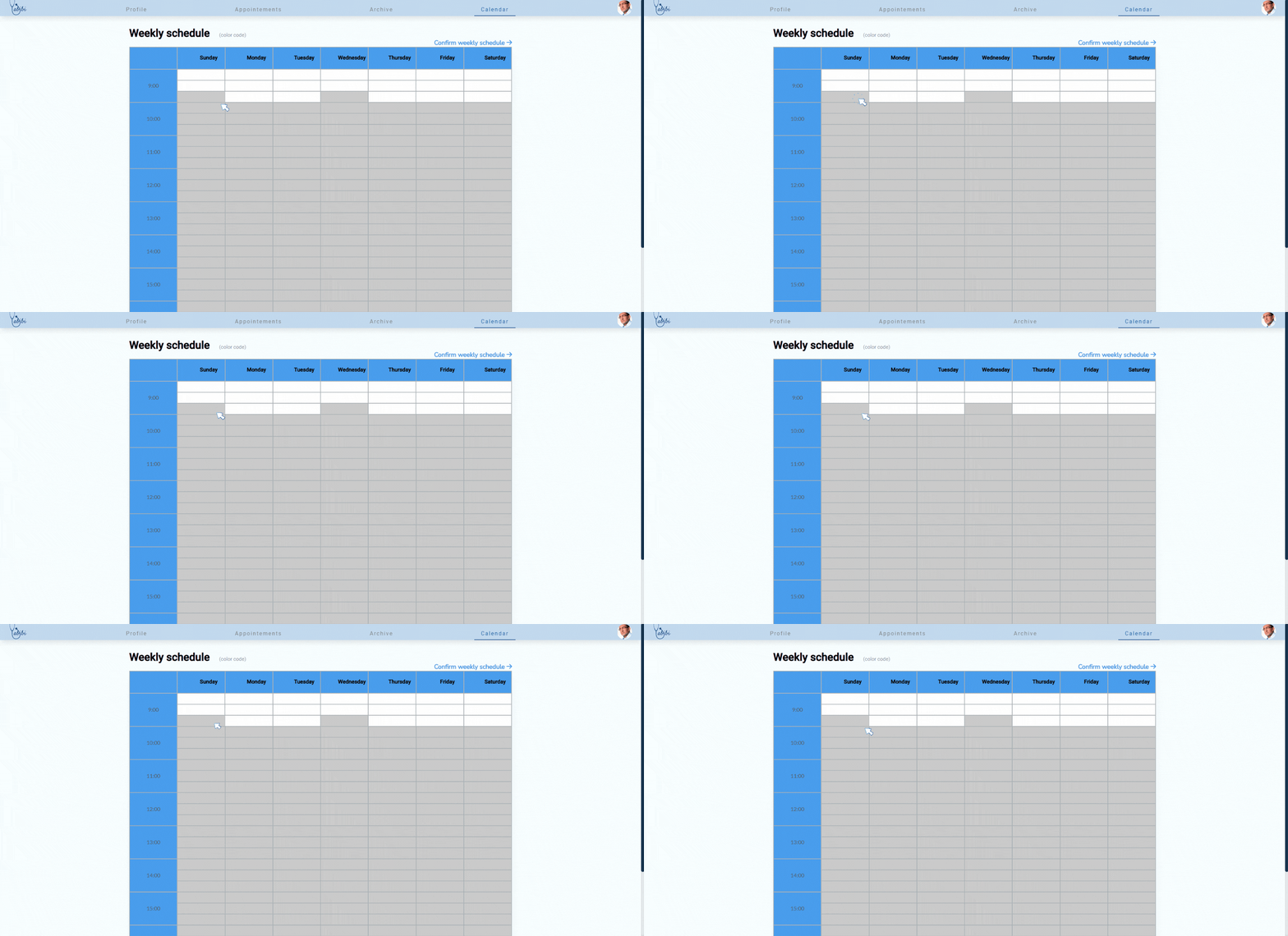
- 2- Click on the cells that represent the times of the week when you are avalable for an appointement
- 3- Confirm and this schedule will be used for each upcoming week
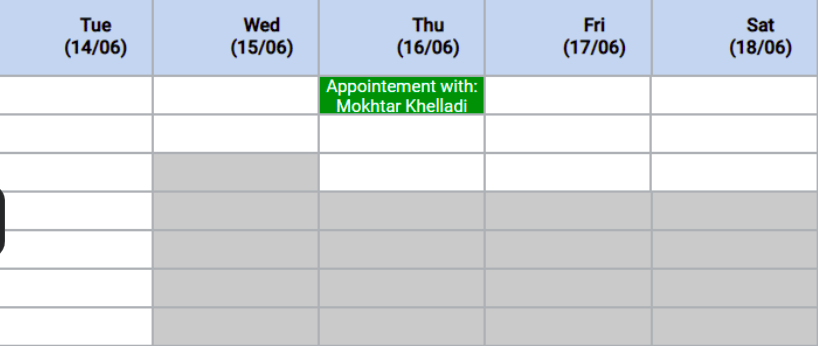
- 4- you can also set up custom schedules for each day of the month
- 5- Appointements set by your patients will be shown in green
You're all set to receive appointements
If you're a patient
you can choose your doctor and book an appointement based on his availability
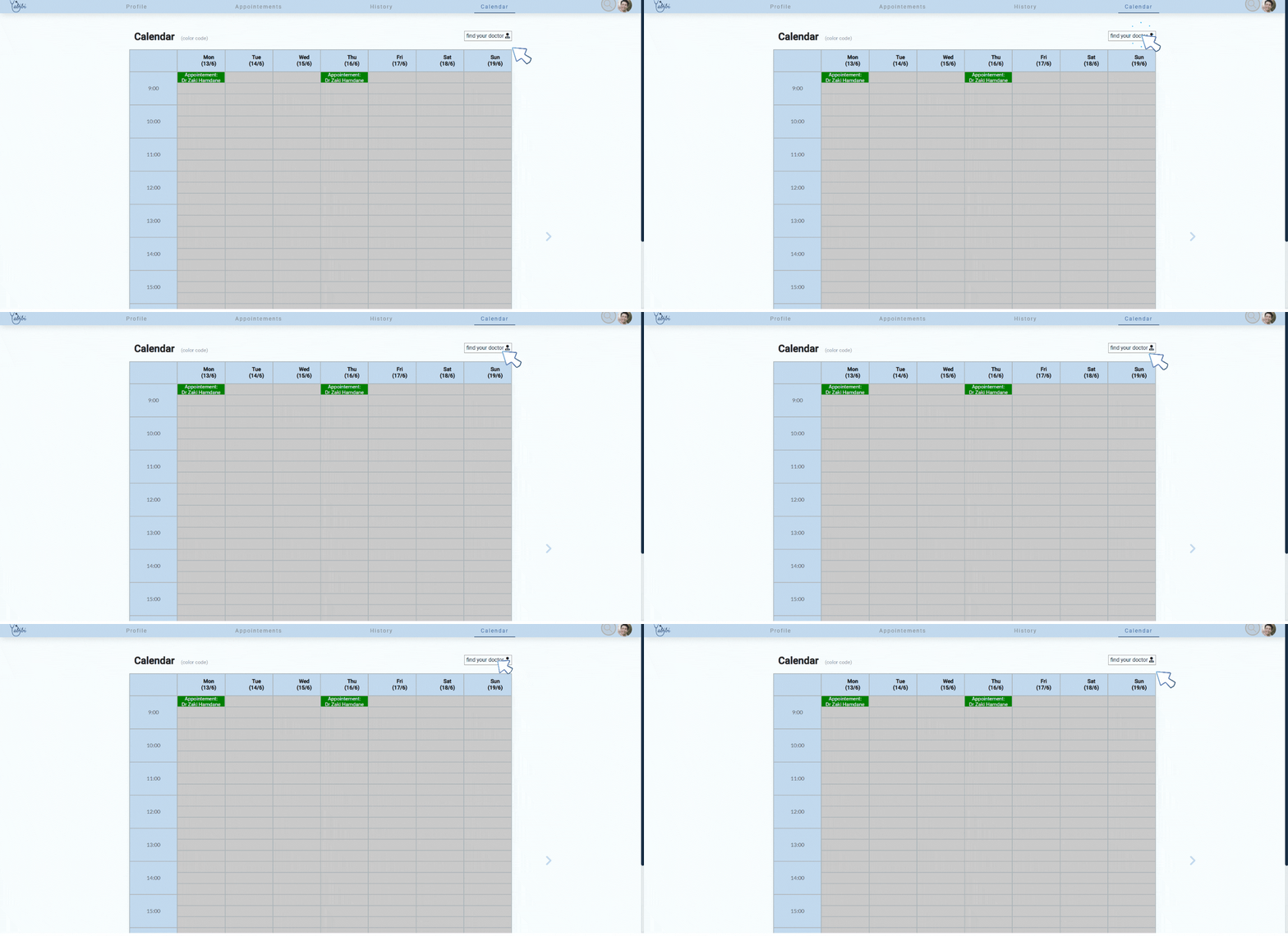
- 1- Click on the find your doctor button and pick one from our list
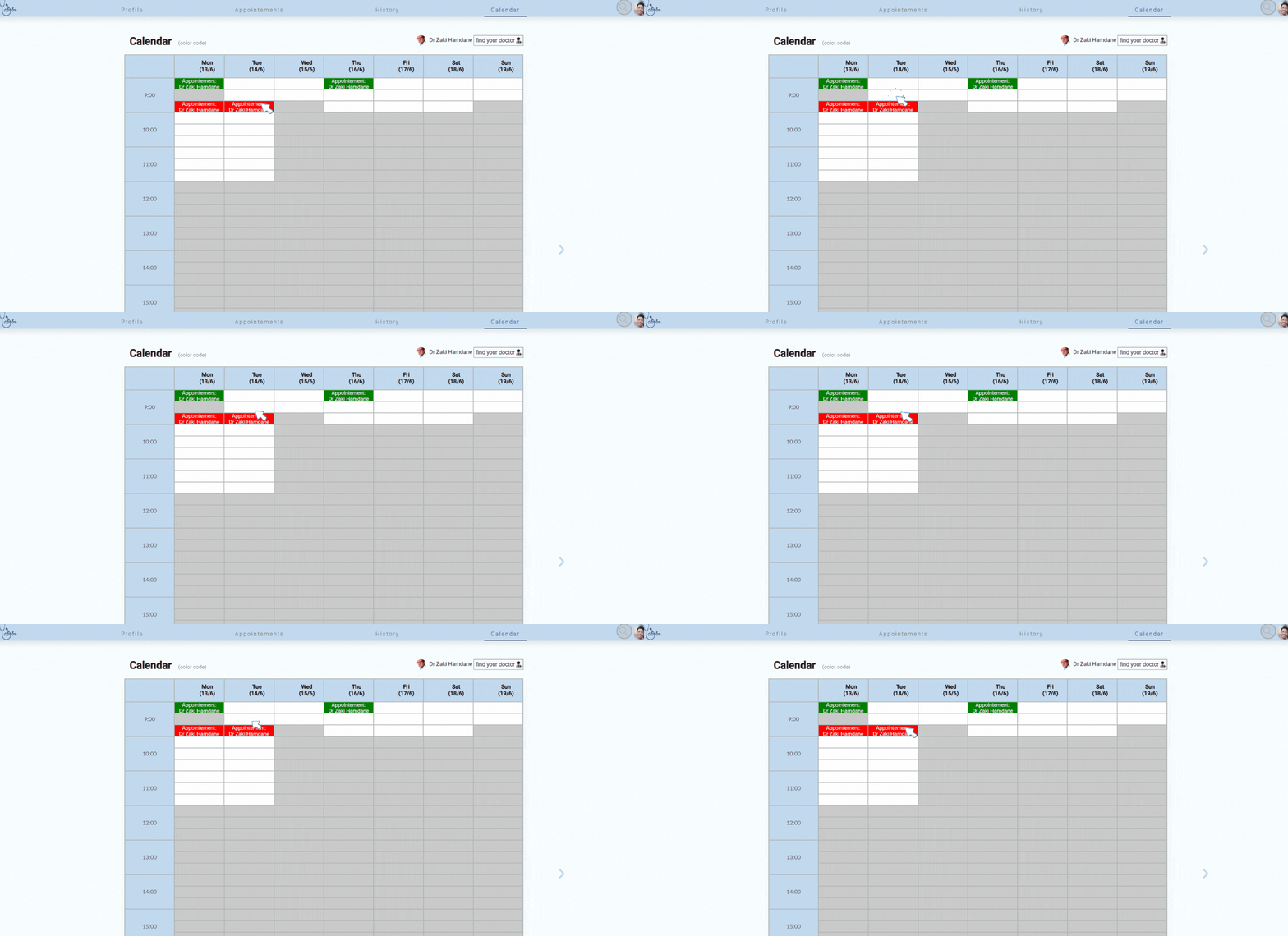
- 2- Choose the time that suits you from his/her schedule
- 3- you can delete an appointement by clicking on it again
How can you start video call ?
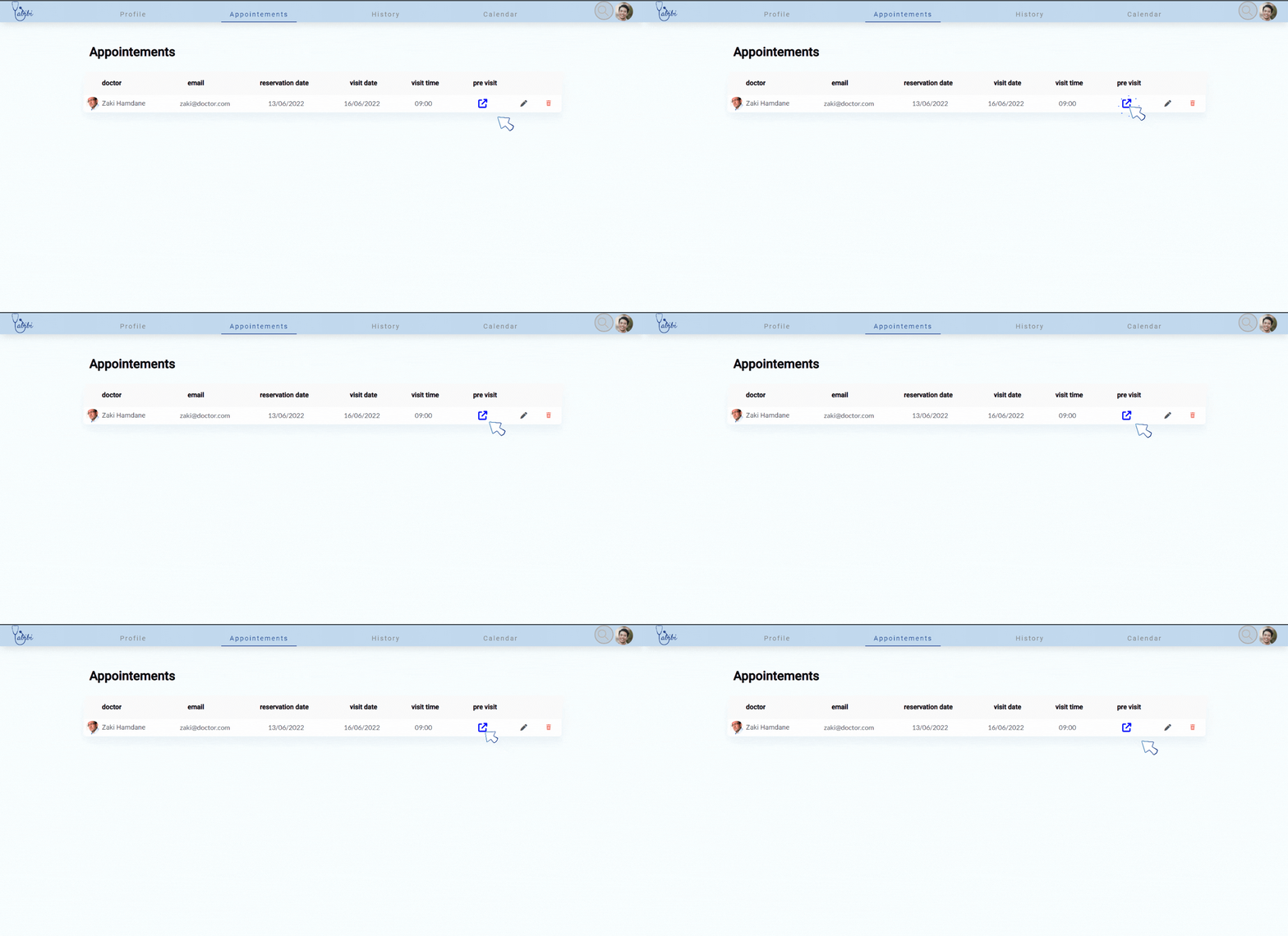
When the time comes , you should be here a bit earlier than the agreed on time to test your connexion and make sure everything's ready
- 1- You can access the pre visit page from the appointements page
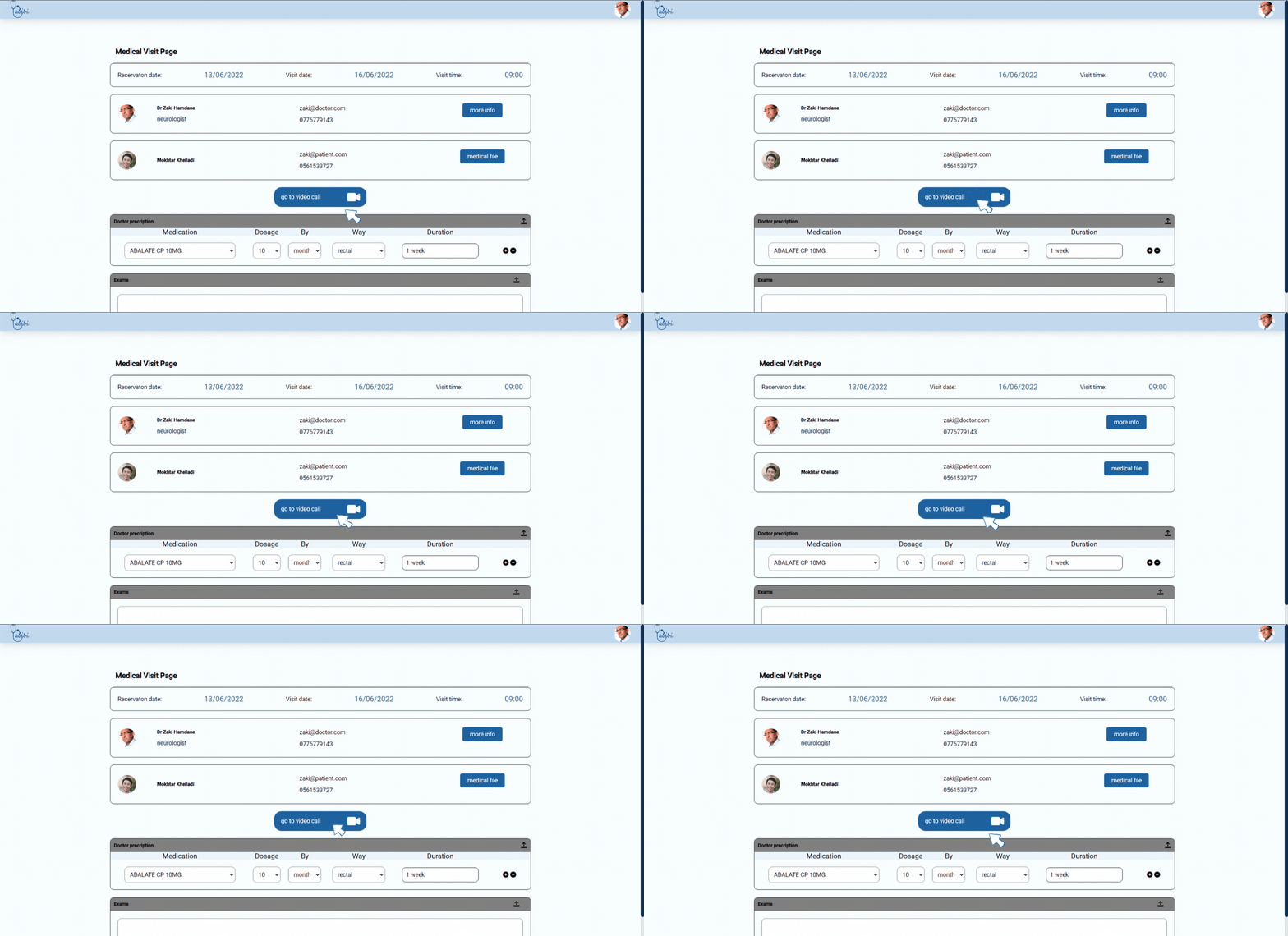
- 2- Here you can see all your visit information and start the video call
Exchange file
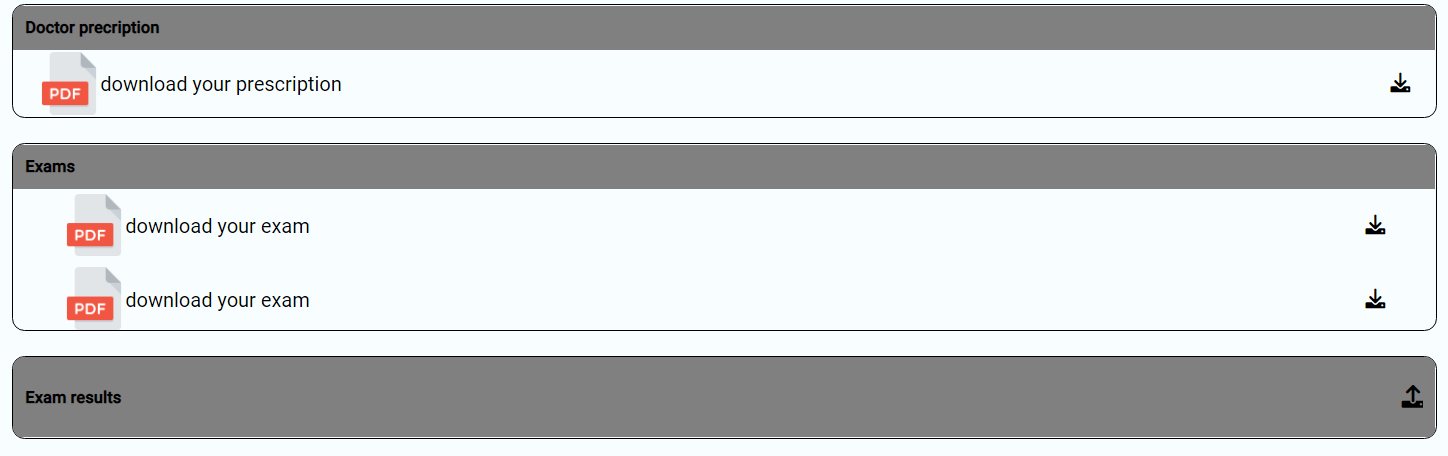
*If you're a doctor you can directly write a prescription with our web app
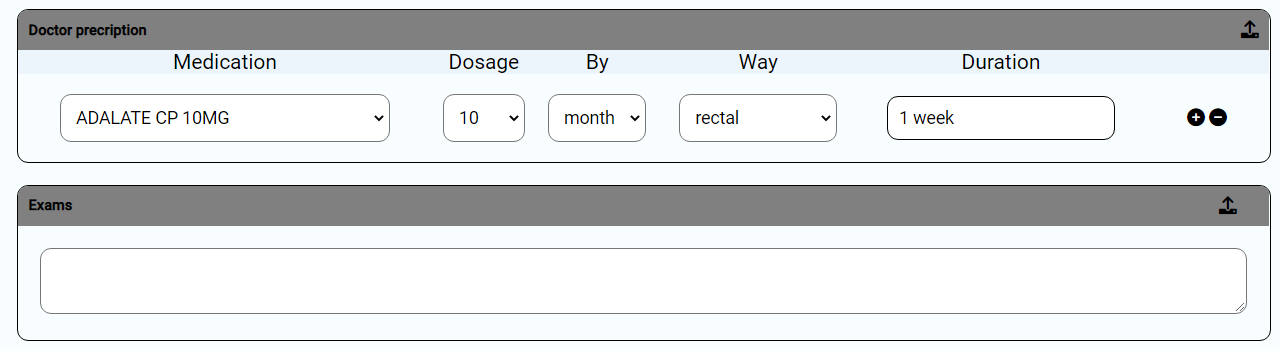
*You can send/receive exams/analitics/X-rays etc..